Understanding Zapier Pricing and Its Value Proposition
Are you tired of manually moving data between your favorite applications? Imagine a world where your CRM automatically updates your email list, new leads from your website are added to your project management tool, and social media mentions trigger alerts in your team’s chat. This isn’t a far-off dream; it’s the reality that Zapier offers, but understanding the associated Zapier pricing is key to unlocking this power efficiently. Many businesses struggle to quantify the return on investment for automation tools, often getting lost in the nuances of different subscription tiers and usage-based costs. This guide will cut through the complexity, providing a clear breakdown of Zapier pricing, helping you choose the right plan and maximize the value of your automation strategy.
Key Takeaways
- Zapier offers tiered pricing from a Free plan for basic needs to Company plans for enterprise-level automation.
- Zapier costs are primarily calculated based on the number of tasks (automated actions) your Zaps perform monthly.
- The Starter and Professional plans are ideal for small businesses and teams needing more advanced, multi-step automations.
- Understanding Zapier pricing helps you choose the right plan to maximize ROI and avoid unnecessary costs.
- Consider your monthly task volume and required features like multi-step Zaps or premium app access when selecting a plan.
Zapier has become a cornerstone of modern workflow automation, connecting thousands of applications and enabling users to build intricate automated workflows, often called “Zaps.” The platform’s intuitive interface and vast integration library make it accessible to users of all technical skill levels. However, as your automation needs grow, so does the importance of understanding the different Zapier plans and how they align with your budget and operational requirements. This article dives deep into the factors influencing Zapier cost, examines the various Zapier subscription options, and offers strategies for selecting the most cost-effective solution for your specific business needs.
The Core Value of Zapier
At its heart, Zapier solves the problem of app integration. Before tools like Zapier, connecting different software applications often required custom coding, significant IT resources, or was simply impossible. Zapier democratizes this capability, allowing individuals and businesses to create automated connections between their existing tools without writing a single line of code. This saves immense amounts of time, reduces manual errors, and frees up human capital for more strategic tasks. The true value lies in reclaiming lost hours, improving data accuracy, and streamlining operations across your entire digital ecosystem.
Why Understanding Zapier Pricing Matters
Choosing the right automation tool is a strategic decision. Overpaying for a Zapier subscription can strain your budget, while selecting a plan that’s too limited might hinder your growth and automation potential. A thorough understanding of Zapier pricing ensures you invest wisely, aligning your spending with the actual value you receive. It helps in forecasting costs, demonstrating ROI to stakeholders, and making informed decisions about scaling your automation efforts. Furthermore, knowing the different Zapier plans available empowers you to negotiate effectively if you’re considering enterprise solutions or to optimize your current usage for cost savings.
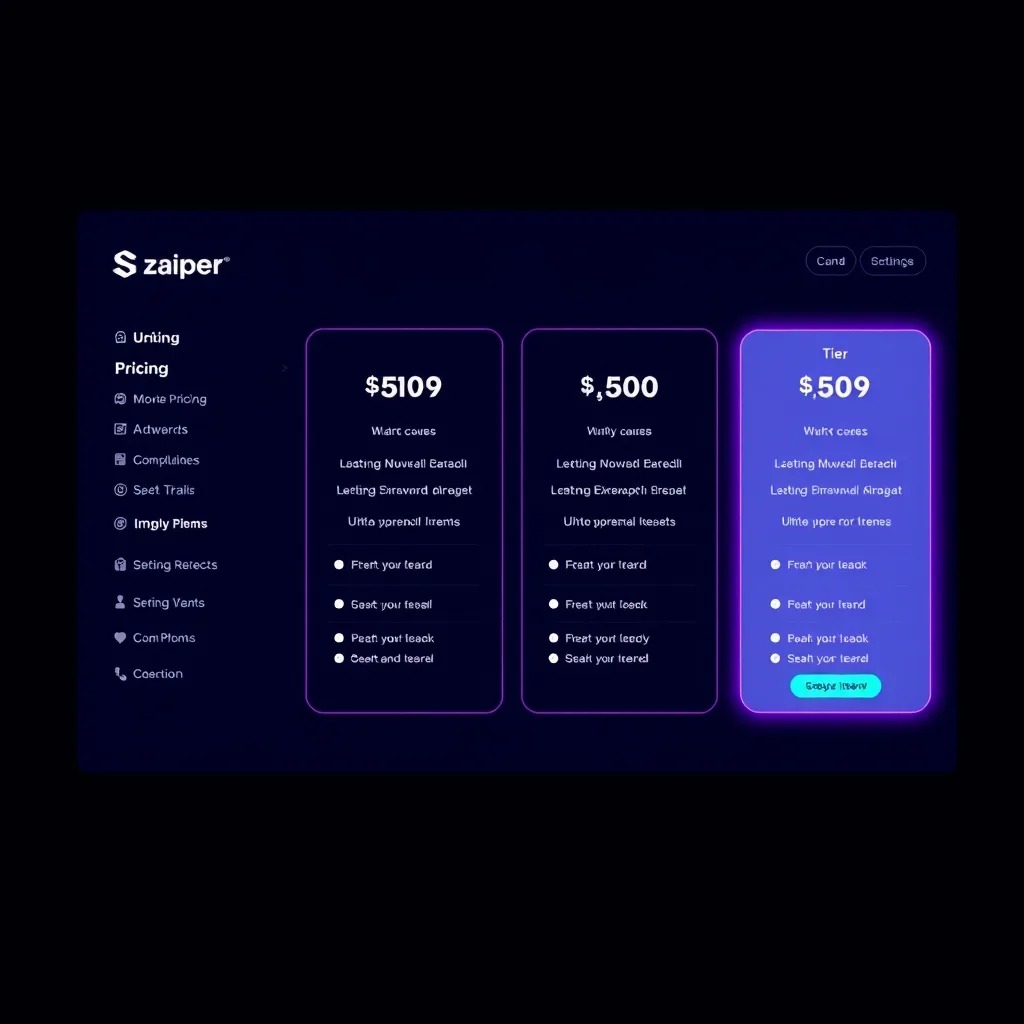
What Are the Different Zapier Pricing Tiers?
The Free Plan: Getting Started with Automation
Zapier offers a Free plan, designed for users who are just beginning their automation journey or have very basic needs. This plan is an excellent entry point to explore the platform’s capabilities. It allows for a limited number of single-step Zaps and a modest number of tasks per month. While it doesn’t support multi-step Zaps or premium apps, it’s perfect for testing the waters and automating simple, repetitive tasks between two applications. This foundational Zapier pricing strategy makes it accessible to everyone.
The Starter Plan: Basic Automation Power
For users who have outgrown the Free plan, the Starter plan offers a significant step up. It increases the number of tasks per month and introduces the ability to create multi-step Zaps, allowing for more complex automation scenarios. This tier is ideal for small teams or individuals with growing automation needs who require more power and flexibility than the free offering provides. It’s a common entry point for small businesses looking to enhance productivity.
The Professional Plan: Advanced Workflows for Teams
The Professional plan is where Zapier’s automation capabilities truly shine for businesses. It offers a substantially higher task limit, advanced features like time-based and webhook triggers, and priority support. This plan is tailored for teams and businesses that rely heavily on automation for their core operations. The increased task volume and advanced features make it suitable for more sophisticated workflows involving multiple applications and conditional logic. This level often represents a sweet spot for businesses seeking robust automation without the complexity or cost of enterprise solutions. It’s a critical tier to consider when evaluating Zapier pricing.
The Team Plan: Collaboration and Scalability
Designed for larger teams and growing organizations, the Team plan builds upon the Professional tier by adding features focused on collaboration and scalability. This includes user management, team folders for organizing Zaps, and more advanced security options. The task limits are also higher, accommodating the increased automation demands of a larger user base. This is a significant consideration for businesses that want to empower multiple team members to build and manage Zaps collaboratively. This tier reflects a more comprehensive approach to Zapier business pricing.
The Company Plan: Enterprise-Grade Automation
For large enterprises with complex needs, robust security requirements, and extensive automation demands, Zapier offers a Company plan. This tier provides unlimited tasks, advanced administrative controls, premium onboarding, dedicated support, and enhanced security features like Single Sign-On (SSO). It’s built for organizations that require enterprise-grade reliability, scalability, and control over their automation infrastructure. This plan ensures that even the most demanding automation strategies can be supported.
How is Zapier Cost Calculated?
Tasks: The Core Unit of Usage
The primary driver of Zapier cost is the number of “tasks” performed by your Zaps each month. A task is defined as a single action performed by a Zap. For example, if a Zap triggers when a new row is added to a Google Sheet and then creates a new contact in a CRM and sends a Slack notification, that single trigger and two actions count as three tasks. The Zapier pricing structure is heavily reliant on these task counts, with higher-tier plans offering significantly more tasks per month.
Zaps: The Automated Workflows
While tasks are the primary cost metric, the number and complexity of your Zaps also play a role. Single-step Zaps (trigger + one action) are simpler than multi-step Zaps (trigger + multiple actions). Higher-tier plans typically allow for more multi-step Zaps, which can consume tasks more rapidly. Understanding how your Zaps are structured is crucial for predicting your monthly task usage and, consequently, your Zapier subscription costs.
App Integrations: Premium vs. Standard
Zapier integrates with thousands of applications. Most standard apps are included in all plans. However, some popular or more complex applications might be classified as “premium” apps. Accessing premium apps or using certain premium features within an app may count as more tasks per action or might require a higher-tier plan altogether. This is an important detail to check when assessing Zapier integration costs for your specific tool stack.
Multi-Step Zaps and Paths
Zapier’s ability to create multi-step Zaps and use features like Paths (which allow for conditional logic within a Zap) significantly enhances automation power but also increases task consumption. Each action in a multi-step Zap counts as a task. Paths, depending on how they are configured, can also lead to higher task usage if multiple branches are executed. Optimizing your Zaps to avoid unnecessary steps or redundant actions is key to managing your Zapier cost effectively.
Data and Storage Considerations
While not a direct pricing metric for most plans, the amount of data processed and historical data retained can indirectly influence your strategy and potentially your costs, especially on enterprise tiers. Zapier retains task history for a certain period, which is valuable for troubleshooting. Understanding these limits and how they scale with different Zapier plans is important for long-term planning.
How Much Does Zapier Cost Per Month?
Free Plan Costs
The Zapier Free plan, as the name suggests, costs $0 per month. It provides 5 single-step Zaps, 100 tasks per month, and access to standard apps. It’s a great way to test basic automation.
Starter Plan Costs
Zapier’s Starter plan typically begins around $20-$30 per month (billed annually) and offers more tasks (e.g., 750 tasks per month) and the ability to create multi-step Zaps. This is a common starting point for small businesses. The exact Zapier pricing can fluctuate slightly, so checking their official site is always recommended.
Professional Plan Costs
The Professional plan, aimed at power users and small to medium-sized businesses, generally starts around $60-$75 per month (billed annually). It offers a substantially higher task limit (e.g., 2,000 tasks per month) and advanced features like multi-step Zaps with Paths, scheduled Zaps, and priority support. This plan often provides a strong balance of features and cost for many businesses.
Team Plan Costs
The Team plan usually starts around $100-$120 per month (billed annually) and includes all Professional features plus collaboration tools, team folders, and increased user seats. The task limits are also higher, accommodating the needs of larger teams. This represents a step up for organizations focused on collaborative automation.
Company Plan Costs
Company plans are custom-quoted and designed for enterprise-level needs. They offer unlimited tasks, advanced security, dedicated support, and premium onboarding. The Zapier enterprise plans are tailored to specific organizational requirements, so direct contact with Zapier’s sales team is necessary.
Is Zapier Worth the Cost?
Quantifying the Time Savings
The most direct way to assess if Zapier is worth the cost is to quantify the time saved. Calculate the hours your team spends on manual, repetitive tasks that could be automated. Multiply those hours by your team’s average hourly wage. If the cost of your Zapier subscription is significantly less than the value of the time saved, then it’s likely a worthwhile investment. For instance, automating a task that takes 10 minutes per day, performed by an employee earning $25/hour, can save thousands of dollars annually, easily justifying a mid-tier Zapier plan.
Reducing Errors and Improving Data Accuracy
Manual data entry is prone to errors. These errors can lead to costly mistakes, inaccurate reporting, and lost opportunities. By automating data transfer and updates with Zapier, you ensure consistency and accuracy across your applications. The cost of avoiding these errors often outweighs the Zapier pricing for even the most comprehensive plans.
Boosting Productivity and Efficiency
When teams spend less time on tedious tasks, they have more time for strategic, high-value work. Zapier frees up your employees to focus on customer engagement, product development, sales, and other activities that drive business growth. This boost in overall productivity and efficiency is a significant, albeit sometimes intangible, benefit that makes Zapier a valuable tool.
Scalability and Growth Enablement
As your business grows, your manual processes become bottlenecks. Zapier allows your operations to scale efficiently without a proportional increase in manual labor. It provides the infrastructure to handle increased volume and complexity, ensuring that your automation keeps pace with your business expansion. This ability to scale is a crucial factor in long-term success.
What Are the Best Zapier Pricing Strategies?
Aligning Plans with Actual Usage
The most effective strategy is to choose a Zapier plan that closely matches your current and projected task usage. Start with a lower tier and monitor your task consumption. If you consistently exceed your limit, consider upgrading. Conversely, if you’re well under your limit, you might be able to downgrade or optimize your Zaps to save money. Regularly reviewing your Zapier analytics is key to this best Zapier pricing strategy.
Optimizing Your Zaps
Regularly audit your Zaps for efficiency. Can any steps be combined? Are there unnecessary actions triggering? Are you fetching data you don’t need? Optimizing your Zaps can reduce task consumption without sacrificing functionality. This proactive maintenance ensures you get the most out of your chosen Zapier subscription options.
Leveraging Annual Billing
Zapier offers discounts for annual billing compared to monthly payments. If you are confident in your automation needs for the year, opting for annual billing can lead to significant savings on your overall Zapier cost. This is a straightforward way to reduce your expenses.
Exploring Alternatives When Necessary
While Zapier is a leading platform, it’s wise to be aware of alternatives. Platforms like Make.com Automation Platform offer different pricing models and feature sets that might be more suitable or cost-effective for specific use cases. Evaluating different Zapier alternatives periodically can ensure you’re always on the best plan for your needs.
Bundling with Other Business Tools
Consider how Zapier fits into your overall software stack. Sometimes, bundled solutions or platforms that include integrated automation capabilities might offer better overall value. However, Zapier’s strength lies in its breadth of integrations, often making it the best choice for connecting disparate systems.
Frequently Asked Questions
How many tasks does the Zapier Free plan include?
The Zapier Free plan includes up to 100 tasks per month.
What is the difference between Zapier’s Professional and Team plans?
The Professional plan is focused on individual power users or small teams needing advanced features, while the Team plan adds collaboration capabilities like user management and shared folders, designed for larger, collaborative teams.
Can I upgrade or downgrade my Zapier plan at any time?
Yes, you can typically upgrade or downgrade your Zapier plan at any time. Changes might take effect immediately or at the start of the next billing cycle, depending on the specific plan and billing terms.
Does Zapier charge based on the number of apps I connect?
No, Zapier’s core pricing is based on the number of tasks performed by your Zaps per month, not directly on the number of apps connected. However, some premium apps might count as more tasks or require higher-tier plans.
What happens if I exceed my monthly task limit on a paid Zapier plan?
If you exceed your monthly task limit on a paid plan, Zapier will typically pause your Zaps to prevent overage charges. You will need to upgrade your plan or wait for the next billing cycle to resume them. You may also have the option to purchase additional tasks.
In conclusion, understanding Zapier pricing is fundamental to leveraging the full power of automation for your business. By carefully evaluating your needs, understanding the different Zapier plans, and employing smart usage strategies, you can ensure that your investment in automation delivers maximum ROI. Don’t let complexity hold you back – explore the possibilities and start automating today.
Ready to take control of your workflows? Get started with Zapier and transform your productivity. For a deeper dive into streamlining operations, consider our Business Process Automation Guide.
Disclosure: This post may contain affiliate links. If you buy through these links, we may earn a commission at no additional cost to you.