Make vs Zapier: Choosing Your Ultimate Automation Partner

Are you drowning in repetitive manual tasks, constantly switching between applications, and wishing there was a way to streamline your workday? The quest for efficient workflow automation can feel overwhelming, especially when faced with two of the biggest players in the game: Make (formerly Integromat) and Zapier. Both platforms promise to connect your favorite apps and automate complex processes, but they approach the challenge with distinct philosophies and feature sets. Understanding the nuances of Make vs Zapier is crucial for any business or individual looking to unlock peak productivity and reclaim valuable time. This comprehensive guide will delve deep into each platform, comparing their strengths, weaknesses, pricing, and ideal use cases to help you make an informed decision.
Key Takeaways
- Choose Make for complex, multi-step automations with conditional logic and data manipulation.
- Select Zapier for simple, user-friendly integrations of popular applications.
- Use Make for custom API interactions and niche application integrations.
- Opt for Zapier for quick, reliable connections of everyday SaaS products.
- Consider Make for workflows requiring granular control and error handling.
| Feature | Make | Zapier |
|---|---|---|
| Automation Approach | Visual, drag-and-drop interface for complex workflows | Simple, user-friendly interface for basic integrations |
| Conditional Logic | Advanced logic and routing with if/else statements, switches, and filters | Filters and paths for conditional logic (available on paid plans) |
| Data Manipulation | Built-in functions and tools for data parsing, formatting, and transformation | Formatters for text, dates, numbers, and more |
| Error Handling | Robust error handling with logging and management | Limited error handling capabilities |
| App Integrations | Growing library of native integrations and custom API interactions | Vast library of popular application integrations |
What is Make (formerly Integromat)?

The Visual Powerhouse
Make, rebranded from its popular predecessor Integromat, stands out with its highly visual and intuitive drag-and-drop interface. It allows users to build complex automated workflows, known as ‘scenarios,’ by connecting various apps and services using a canvas. This visual approach makes it easier to understand the flow of data and logic within an automation. Instead of simple trigger-action chains, Make enables multi-step automations with conditional logic, data manipulation, error handling, and even the ability to run parts of a scenario independently. This level of granular control is a significant differentiator, making it a powerful tool for intricate workflow automation.
Key Features of Make
Make’s feature set is designed for flexibility and power. Key highlights include:
- Visual Scenario Builder: A drag-and-drop interface for creating sophisticated automations.
- Advanced Logic and Routing: Easily implement if/else statements, switches, routers, and filters to control workflow paths.
- Data Manipulation: Built-in functions and tools to parse, format, and transform data between applications.
- Error Handling: Robust mechanisms to catch, log, and manage errors, ensuring workflow resilience.
- Webhooks: The ability to trigger scenarios from virtually any application that supports webhooks.
- Built-in Apps and Modules: A growing library of native integrations, plus the ability to connect to services via HTTP/SOAP requests.
- Templates: Pre-built automation templates to get users started quickly.
Who is Make Best Suited For?
Make shines for users who need more than basic app connections. It’s ideal for individuals and businesses grappling with complex multi-step processes, requiring precise data handling, or needing to integrate niche applications. Developers and technically inclined users often find Make’s flexibility particularly appealing. If your workflow involves conditional logic, data aggregation, or custom API interactions, Make is a strong contender in the Make vs Zapier debate.
What is Zapier?
The Simplicity Champion
Zapier is arguably the most well-known automation tool, celebrated for its user-friendliness and vast library of app integrations. Its core concept revolves around “Zaps” – automated workflows that connect two or more apps. A Zap typically consists of a trigger (an event in one app) and one or more actions (tasks performed in another app). The platform’s strength lies in its simplicity. Setting up a Zap is often a matter of selecting your apps, choosing triggers and actions, and mapping the relevant data fields. This straightforward approach makes it accessible to users with little to no coding experience, positioning it as a go-to solution for many seeking to automate tasks.
Key Features of Zapier
Zapier’s extensive features cater to a broad audience:
- Vast App Directory: Connects with thousands of popular applications.
- User-Friendly Interface: Simple, intuitive setup process for creating Zaps.
- Multi-Step Zaps: Allows for more complex workflows beyond simple trigger-action pairs (available on paid plans).
- Filters and Paths: Conditional logic to control which actions are performed based on specific criteria.
- Formatters: Tools to manipulate text, dates, numbers, and more within a Zap.
- Webhooks: Supports incoming and outgoing webhooks for broader integration possibilities.
- Pre-built Templates: A large collection of templates for common automation scenarios.
Who is Zapier Best Suited For?
Zapier is an excellent choice for individuals, small businesses, and even larger enterprises looking for quick, reliable ways to connect everyday applications. Its ease of use makes it ideal for non-technical users who want to automate common tasks like saving email attachments to cloud storage, adding new leads from a form to a CRM, or posting social media updates. If you need to integrate a wide range of popular SaaS products without a steep learning curve, Zapier is hard to beat. It’s a fantastic starting point for workflow automation.
Make vs Zapier: A Head-to-Head Comparison
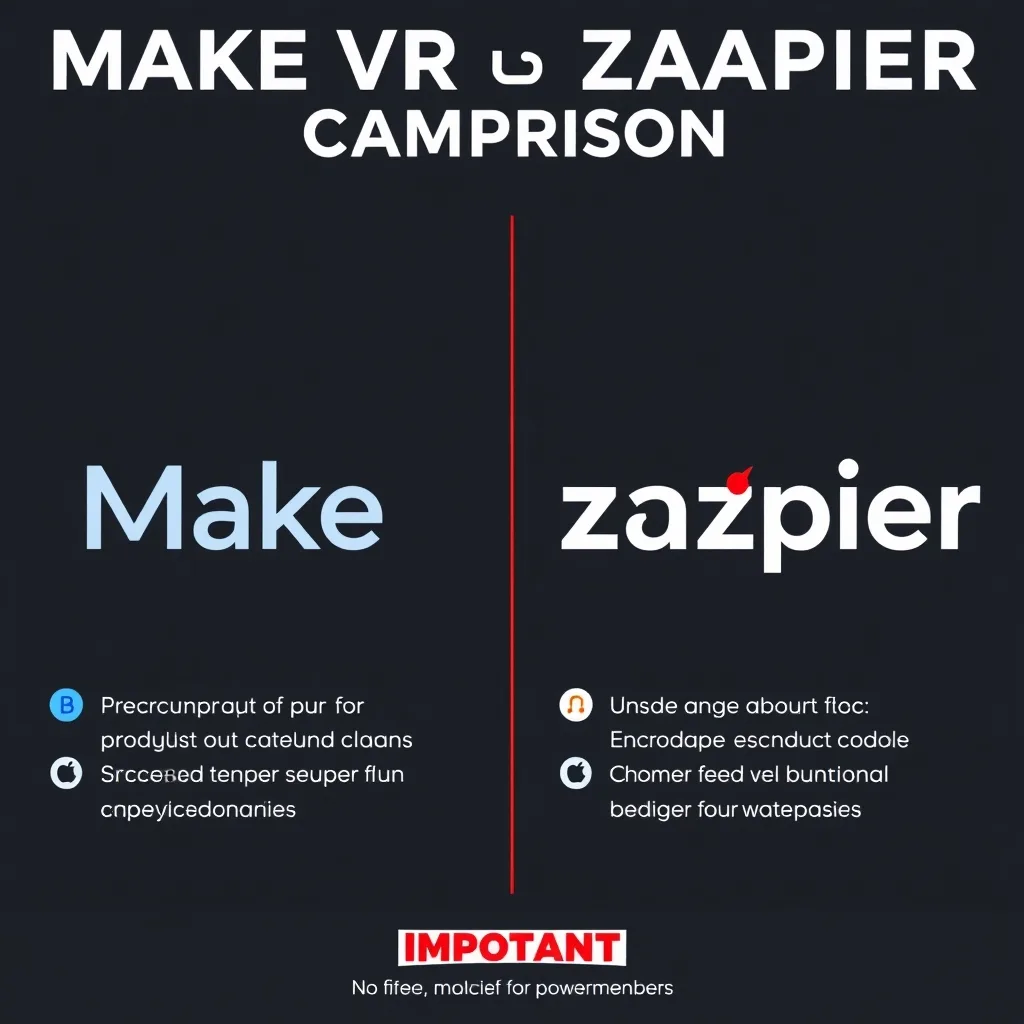
Ease of Use and Learning Curve
When comparing Make vs Zapier on ease of use, Zapier generally takes the lead, especially for beginners. Its interface is streamlined, and the process of creating a basic Zap is incredibly intuitive. Make, while also offering a visual builder, has a steeper learning curve due to its greater flexibility and the depth of customization available. Building complex scenarios in Make requires a better understanding of logic and data structures. However, for those willing to invest the time, Make’s visual approach can ultimately be more intuitive for understanding intricate workflows than Zapier’s sometimes less transparent multi-step builder.
Integration Capabilities
Both platforms boast extensive integration capabilities, but with different focuses. Zapier has a significantly larger number of *direct* app integrations listed in its marketplace, covering a vast array of popular SaaS tools. Make also offers numerous native integrations, but it truly shines in its ability to connect with virtually *any* service via its HTTP/SOAP modules and its robust webhook support. If you need to integrate with obscure or custom-built applications, Make often provides a more flexible and powerful solution. This is a key consideration in the Make vs Zapier analysis for advanced users.
Pricing and Value
Pricing is a critical factor in the Make vs Zapier decision. Both platforms offer tiered pricing based on usage (tasks or operations) and features. Zapier’s pricing can become expensive as your automation volume increases, particularly for Multi-Step Zaps which consume more tasks. Make’s pricing is often seen as more cost-effective for high-volume or complex automations. Its ‘operations’ model can be more predictable, and its generous free tier allows users to experiment more extensively. Make’s ability to handle complex, multi-step workflows within a single operation can also offer better value compared to Zapier where each step counts towards task limits.
Complexity and Advanced Features
This is where Make truly differentiates itself. Its visual editor, advanced logic capabilities (routers, switches, iterators), built-in data parsing tools, and error handling are significantly more robust than what Zapier offers, especially on lower-tier plans. Zapier has improved with features like ‘Paths’ for conditional logic and ‘Multi-Step Zaps,’ but it doesn’t match the granular control and visual clarity of Make for truly complex scenarios. For intricate workflow management and sophisticated automation, Make is the more powerful tool. This makes the Make vs Zapier choice heavily dependent on your specific needs.
Use Cases: Where Each Platform Excels
Zapier excels at:
- Connecting popular web applications quickly and easily.
- Automating simple, linear tasks (e.g., email to CRM, form submission to spreadsheet).
- Providing a low-barrier-to-entry for non-technical users.
- Prototyping and implementing common business automations rapidly.
Make excels at:
- Building complex, multi-step workflows with intricate logic.
- Handling and transforming data between applications precisely.
- Integrating with custom APIs or less common services.
- Creating robust, resilient automation scenarios with detailed error handling.
- Providing a more cost-effective solution for high-volume or complex automations.
When Should You Choose Make?
For Complex Workflows and Data Handling
If your automation needs involve multiple decision points, data manipulation, conditional routing, or aggregating information from several sources before performing an action, Make is likely the superior choice. Its visual canvas makes mapping these complex interactions straightforward. For instance, processing an e-commerce order might involve checking inventory, calculating shipping, updating multiple databases, and sending personalized customer notifications – a task Make handles elegantly.
When Cost Efficiency for High Volume is Key
As mentioned, Make’s pricing structure can be more economical for businesses running a high number of automations or very complex workflows that might consume many tasks on Zapier. If you anticipate your automation needs growing significantly, Make offers a scalable and potentially more budget-friendly path forward. This is a critical factor when considering Make vs Zapier for long-term growth.
For Users Who Prefer Visual Logic
Some users simply grasp concepts better when they can see them laid out visually. Make’s canvas provides this clarity, allowing you to trace the flow of data and logic step-by-step. If you find traditional flowcharting or visual programming appealing, Make’s interface will likely resonate strongly with you. It’s a powerful alternative to Zapier for those who think visually.
When Should You Choose Zapier?
For Quick Integration of Popular Apps
If your primary goal is to connect two popular applications – say, Google Sheets and Slack, or Gmail and Trello – Zapier’s vast app library and simple setup make it the fastest option. You can often have a basic Zap running in minutes.
For Beginners and Non-Technical Teams
Zapier’s reputation for ease of use is well-deserved. If your team lacks dedicated IT resources or extensive technical expertise, Zapier provides the gentlest introduction to workflow automation. The guided setup and clear interface minimize the learning curve, empowering more people to build their own automations.
When You Need the Widest Range of Direct Integrations
While Make can connect to almost anything with some effort, Zapier offers direct, pre-built integrations with more applications than any other platform. If the specific apps you use are all listed prominently in Zapier’s directory, it offers unparalleled convenience for seamless integration.
Make vs Zapier: Final Thoughts
The debate between Make vs Zapier isn’t about which platform is definitively ‘better’ overall, but rather which is better *for you*. Zapier remains the king of simplicity and broad integration for common use cases, making it ideal for quick setups and non-technical users. Make, on the other hand, offers unparalleled power, flexibility, and visual clarity for complex workflows, data manipulation, and cost-effective high-volume automation. Evaluate your specific needs: are you looking for speed and simplicity, or intricate control and advanced capabilities? Your answer will guide you to the right choice. For those seeking a robust, visually driven platform that can handle complex logic, automate with Make.com offers a compelling advantage. Conversely, if ease of use and connecting a plethora of popular apps is paramount, Zapier Workflow Automation is an excellent option.
Ultimately, both Make and Zapier are powerful workflow automation tools that can significantly boost productivity. Consider starting with the free tiers of both platforms to get a feel for their interfaces and capabilities before committing. Understanding the core differences in the Make vs Zapier comparison will empower you to build smarter, more efficient workflows.
Ready to take control of your business processes? Explore the power of automation today. Try Make.com free and discover how visual workflow automation can transform your operations.
Frequently Asked Questions
Is Make better than Zapier?
Neither Make nor Zapier is universally ‘better.’ Make excels in complex, multi-step automations with advanced logic and data manipulation due to its visual builder. Zapier is often preferred for its simplicity, ease of use, and a wider range of direct integrations with popular apps, making it ideal for beginners and straightforward tasks.
Can I migrate my automations from Integromat to Make?
Yes, Make is the successor to Integromat. While the platform has evolved, existing Integromat users generally find the transition to Make smooth. Make.com offers resources and guidance for migrating scenarios.
Which platform is cheaper, Make or Zapier?
It depends on your usage. For simpler automations or lower volumes, Zapier might appear cheaper initially. However, for complex, high-volume workflows, Make’s pricing structure based on operations is often more cost-effective and predictable than Zapier’s task-based model.
Does Make support custom code?
While Make is primarily a no-code/low-code platform, it does allow for advanced functionality through its HTTP modules, enabling connections to APIs and potentially integrating custom code snippets or calling external scripts where necessary, offering more flexibility than Zapier in this regard.
What are Zapier competitors?
Besides Make (formerly Integromat), other notable Zapier competitors include n8n.io, IFTTT, Microsoft Power Automate (formerly Microsoft Flow), Workato, and Pabbly Connect. Each offers a different approach to workflow automation, integration, and pricing.
Disclosure: This post may contain affiliate links. If you buy through these links, we may earn a commission at no additional cost to you.