
Make Custom Automation: Your Key to Unlocking Efficiency and Innovation
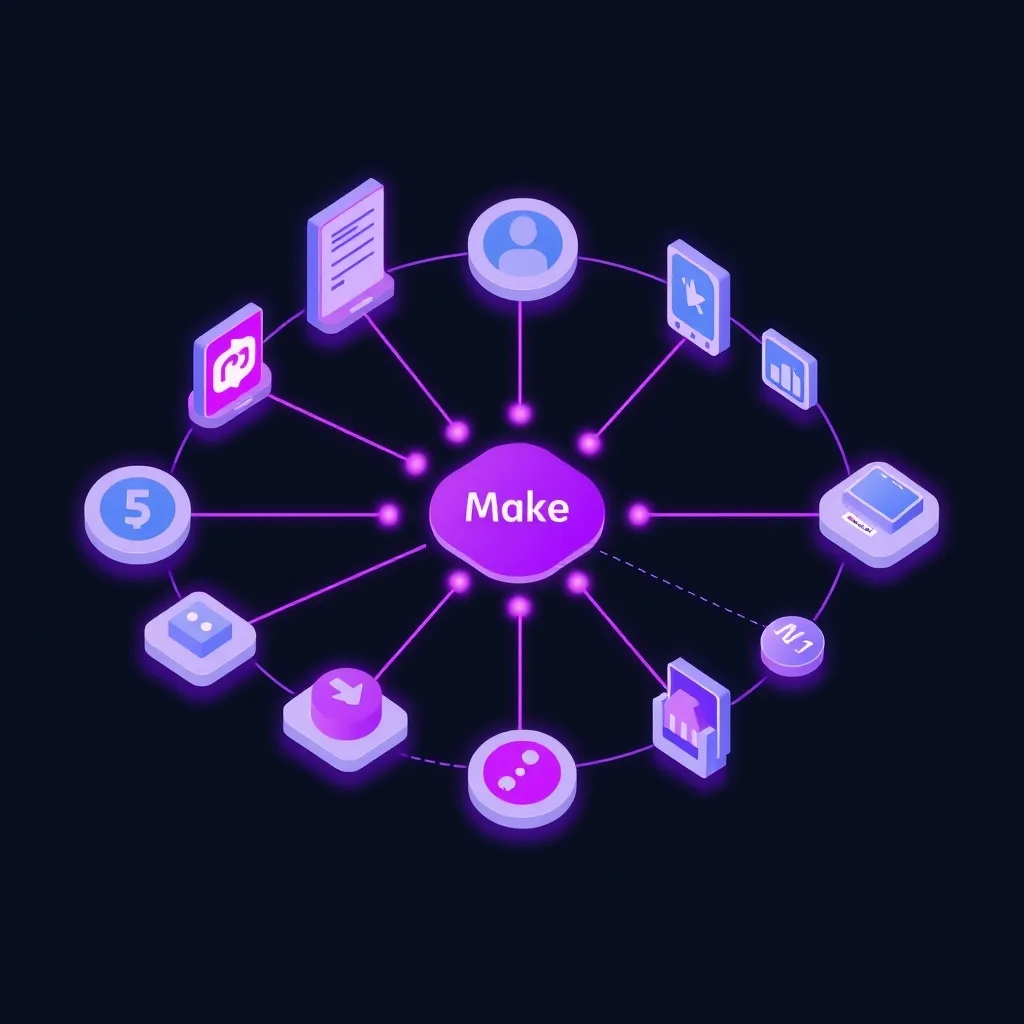
Are you tired of the endless cycle of repetitive tasks that drain your team’s energy and stifle creativity? Imagine a world where your software talks to each other seamlessly, where data flows effortlessly between applications, and where your business operates with an almost prescient efficiency. This isn’t a futuristic dream; it’s the tangible reality that custom automation brings to your fingertips. By taking control and learning to make custom automation, you empower your business to do more with less, freeing up valuable human capital for strategic thinking and growth initiatives. This article will guide you through the transformative power of bespoke solutions, showing you how to design, build, and implement automated processes that are tailor-made for your unique operational needs, moving beyond one-size-fits-all tools to truly optimize your digital landscape.
Key Takeaways
- Design bespoke automated workflows to perfectly match your unique business processes and overcome specific operational challenges.
- Unlock significant efficiency gains and reduce manual errors by automating repetitive tasks with tailored solutions.
- Empower your team to focus on strategic growth and innovation by delegating mundane tasks to custom automation.
- Gain a competitive edge through unique automated processes that off-the-shelf tools cannot replicate.
- Consider custom automation when off-the-shelf solutions require too many workarounds or fail to meet specific needs.
What is Custom Automation?
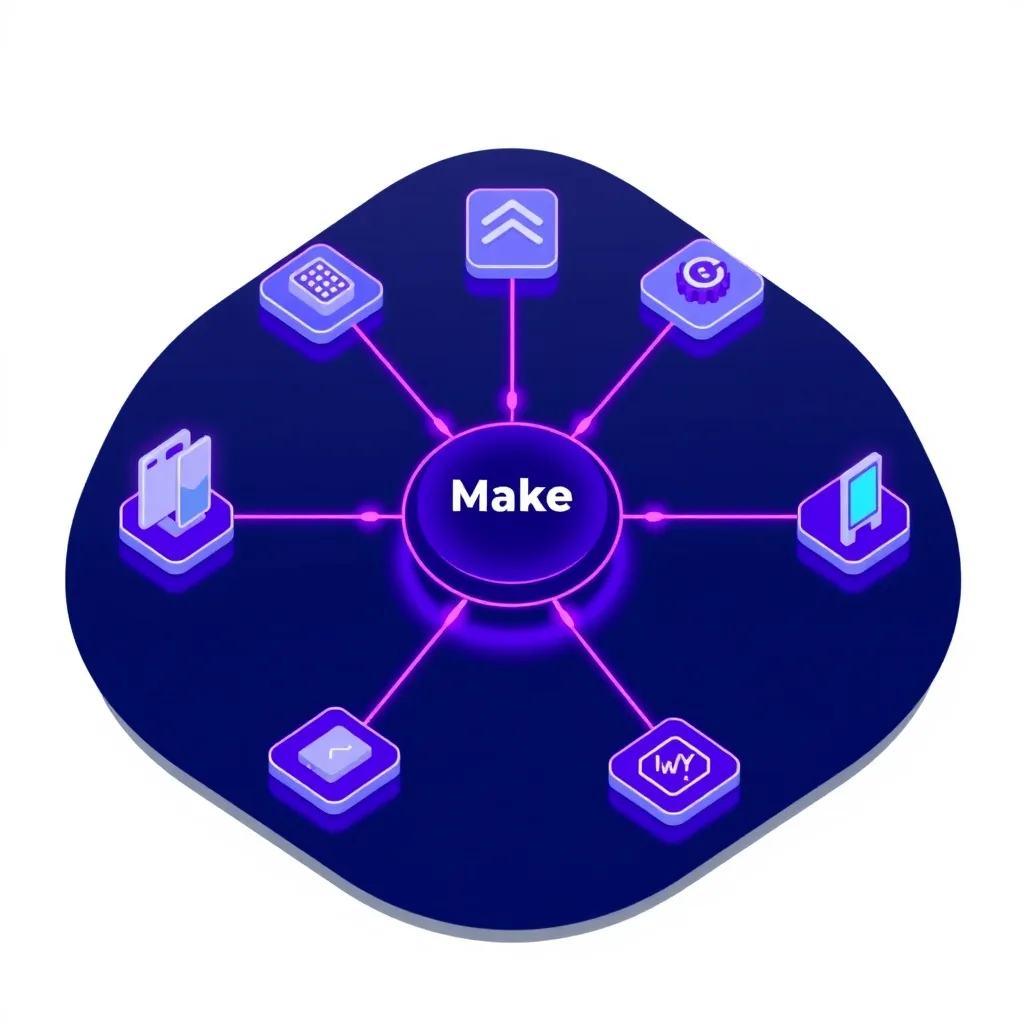
Custom automation refers to the creation of unique automated processes, workflows, and scripts specifically designed to meet the particular needs and goals of an individual or organization. Unlike off-the-shelf software or generic automation platforms that offer pre-built solutions, custom automation involves building something from the ground up or significantly tailoring existing tools to fit precise requirements. This bespoke approach ensures that the automation directly addresses the specific challenges and opportunities within a business, leading to more effective and efficient operations. It’s about crafting a solution that fits like a glove, rather than trying to force your processes into a pre-existing mold.
The Difference from Off-the-Shelf Solutions
The core distinction lies in specificity. Off-the-shelf automation tools, like many popular no-code platforms, provide a standardized set of features and integrations. They are excellent for common use cases and offer quick setup for many businesses. However, they can be limiting when your needs are highly specialized. Custom automation, on the other hand, allows you to develop bespoke scripts or intricate workflows that handle unique data formats, communicate with legacy systems, or execute multi-step processes that generic tools simply cannot accommodate. When you make custom automation, you’re not bound by the limitations of pre-defined connectors or features; you build exactly what you need.
Benefits of a Tailored Approach
The advantages of a tailored approach are numerous. Firstly, it offers unparalleled flexibility. You can design automated processes that perfectly mirror your existing business logic, eliminating the need to re-engineer your operations to fit a software’s constraints. Secondly, custom solutions can achieve higher levels of efficiency and accuracy by being optimized for specific tasks, reducing the potential for errors inherent in more generalized systems. Thirdly, it can provide a significant competitive advantage by enabling unique processes that competitors cannot easily replicate. Finally, a well-executed custom automation strategy can lead to substantial cost savings in the long run by reducing manual labor and improving resource allocation.
When to Consider Custom Automation
Consider custom automation when your business encounters unique challenges that generic tools can’t solve, when you need to integrate disparate or legacy systems, or when the sheer volume or complexity of repetitive tasks warrants a highly specialized solution. If off-the-shelf tools require significant workarounds or fail to deliver the desired outcomes, it’s a strong signal that a custom approach might be necessary. You might also consider it if you have a clear vision for a specific automated workflow that could dramatically improve productivity or open new revenue streams. Learning to make custom automation becomes a strategic imperative in these scenarios.
Why is Custom Automation So Powerful?
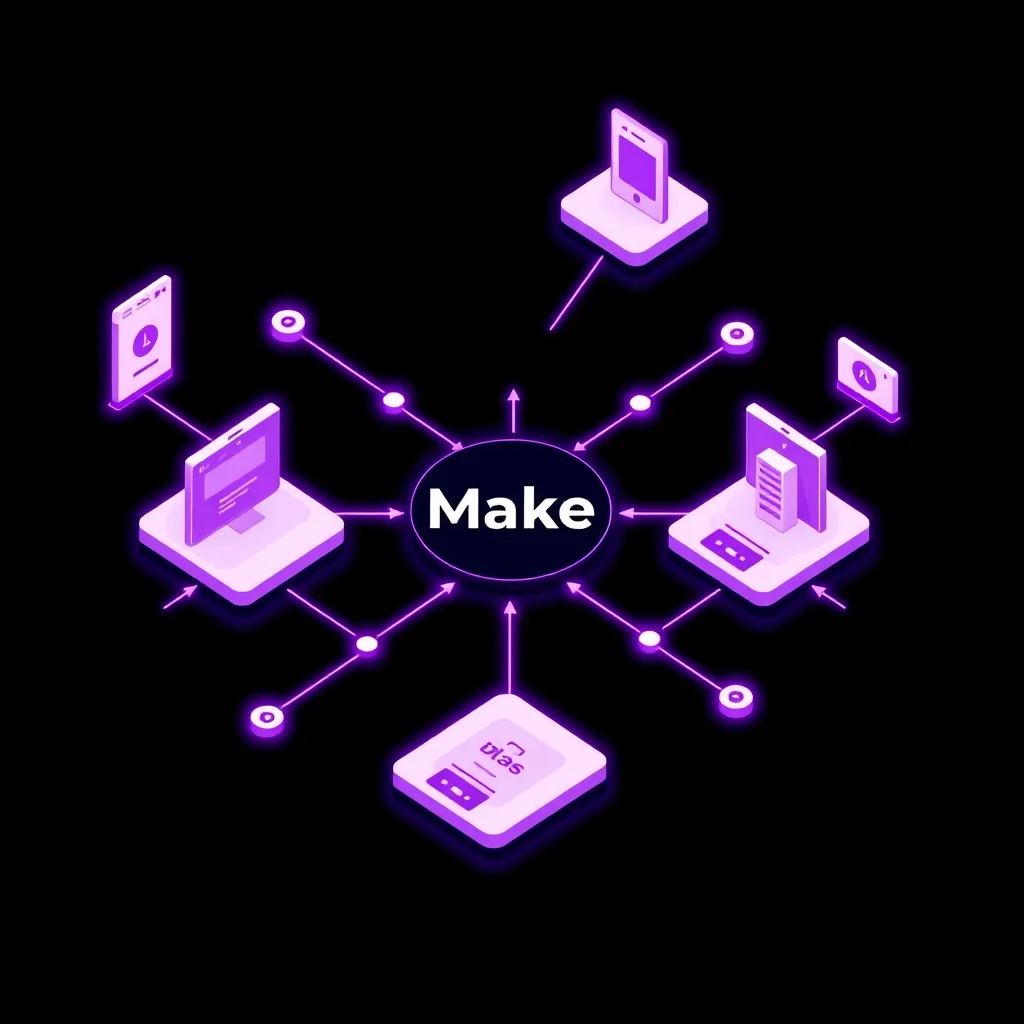
The power of custom automation stems from its ability to be precisely aligned with a business’s unique operational landscape and strategic objectives. Unlike generic solutions, which often require businesses to adapt their processes to fit the software, custom automation works the other way around. It molds itself to the business, addressing specific pain points and amplifying unique strengths. This perfect fit leads to enhanced efficiency, reduced errors, and the ability to innovate in ways that standardized tools simply cannot facilitate.
Enhanced Efficiency and Productivity
By automating repetitive, time-consuming tasks, custom solutions free up employees to focus on higher-value activities that require human judgment, creativity, and strategic thinking. This shift dramatically boosts overall productivity. Imagine sales teams spending less time on manual data entry and more time building client relationships, or support staff resolving complex issues faster because routine inquiries are handled automatically. When you make custom automation, you’re not just saving time; you’re investing it back into activities that drive real growth.
Reduced Errors and Improved Accuracy
Human error is an inevitable part of manual processes. Custom automation minimizes this risk by ensuring tasks are performed consistently and according to predefined rules. Whether it’s data entry, report generation, or cross-application data synchronization, a programmed solution executes tasks with unwavering accuracy. This reliability is crucial for maintaining data integrity, ensuring compliance, and building trust with clients and stakeholders. The ability to program custom solutions ensures that precision is maintained at scale.
Competitive Advantage
In today’s fast-paced market, agility and innovation are key differentiators. Custom automation allows businesses to create unique operational workflows, implement novel customer experiences, or rapidly adapt to market changes in ways that competitors relying on standard tools cannot. Developing bespoke scripts for niche functions or designing automated processes for unique market opportunities can provide a significant edge. This strategic advantage is often a direct result of the decision to make custom automation a core part of the business strategy.
Scalability and Flexibility
As businesses grow, their automation needs evolve. Custom solutions can be designed with scalability in mind, allowing them to grow alongside the company. Furthermore, they offer immense flexibility to adapt to changing business requirements, new software integrations, or evolving market demands. Whether it’s expanding to new regions or launching new product lines, a well-engineered automated system can be modified to support these transitions efficiently.
How Can You Make Custom Automation a Reality?
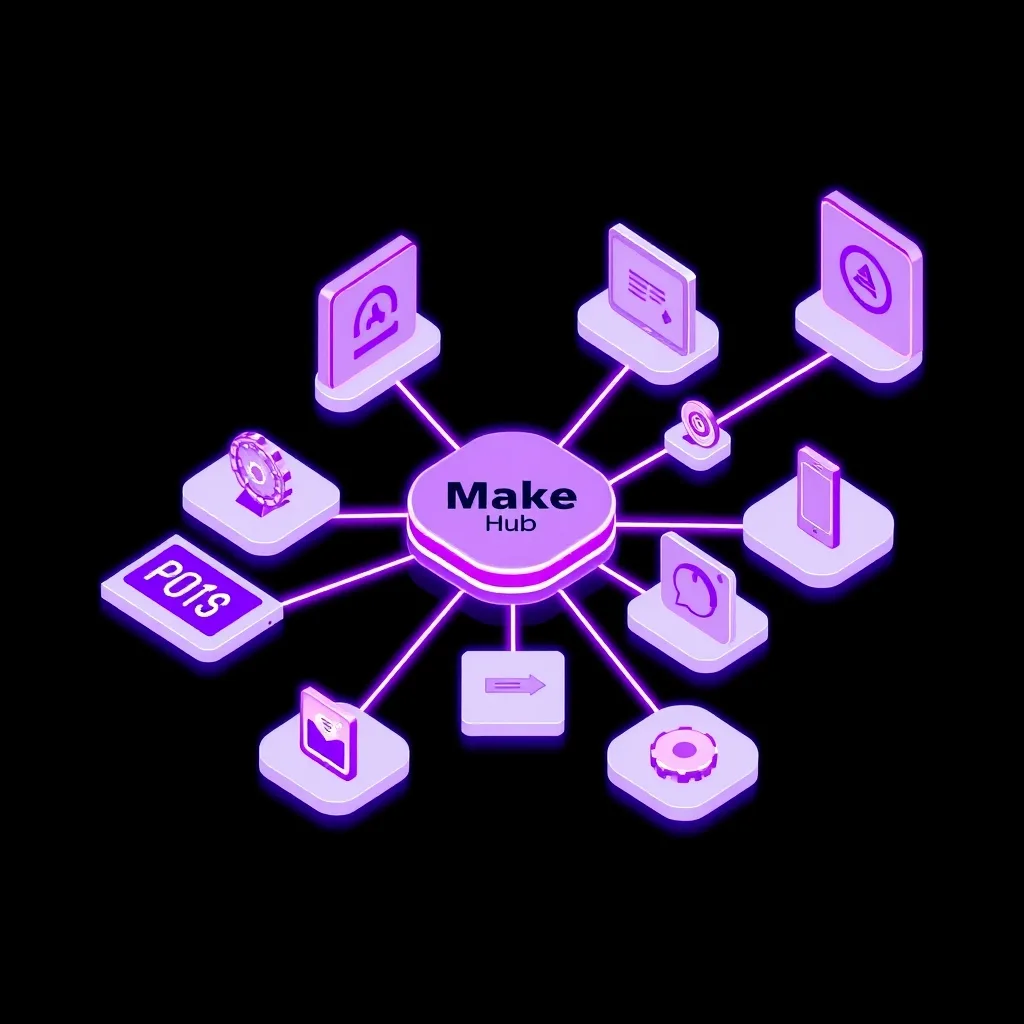
Making custom automation a reality involves a strategic combination of understanding your needs, choosing the right tools, and potentially acquiring the necessary skills. While the term might sound complex, the accessibility of automation tools has dramatically increased, allowing businesses of all sizes to build powerful custom solutions without extensive coding knowledge.
Assessing Your Automation Needs
The first crucial step is to meticulously analyze your current business processes. Identify repetitive tasks, bottlenecks, areas prone to human error, and opportunities for improved efficiency. Document these workflows, noting the software involved, the data exchanged, and the desired outcome. This detailed assessment will form the blueprint for your custom automation projects. Understanding where to apply effort is key to successful custom workflow building.
Choosing the Right Tools
The landscape of automation tools is vast. For those looking to make custom automation without deep technical expertise, visual workflow builders are often the best starting point. Platforms like Make.com Automation Platform (formerly Integromat) offer a powerful, no-code environment where you can visually design complex workflows by connecting different applications and setting up custom triggers and actions. These platforms are designed to help you build custom integrations and automate repetitive tasks with a drag-and-drop interface. For developers or those with coding capabilities, tools like n8n offer more flexibility for building bespoke scripts and self-hosted solutions. Zapier is another popular option, excellent for connecting apps and automating simple to moderately complex workflows. The choice depends on your technical skill, budget, and the complexity of the automation required.
Developing Bespoke Scripts and Workflows
Once you have your needs identified and your tools selected, the development phase begins. This could involve using a visual builder to craft intricate multi-step automations, programming custom scripts in languages like Python to handle specific data manipulations or API interactions, or configuring complex rules and triggers within a chosen platform. The goal is to translate your process analysis into a working automated solution. This is where you truly make custom automation by bringing your unique designs to life.
Testing and Iteration
Rigorous testing is paramount. Before deploying any custom automation, it must be thoroughly tested to ensure it functions as expected, handles edge cases correctly, and produces accurate results. Run simulations with various data inputs, test different scenarios, and involve end-users in the testing process. Based on the results, iterate and refine the automation until it meets all requirements. This iterative process is vital for creating robust and reliable automated systems.
Implementation and Monitoring
After successful testing, deploy the automation into your live environment. However, the work doesn’t stop there. Continuous monitoring is essential to ensure the automation continues to perform optimally and to catch any potential issues that may arise due to changes in integrated applications or business processes. Set up alerts for failures and regularly review performance logs. This ongoing oversight ensures the long-term success of your custom solutions.
Common Use Cases for Custom Automation
The applications for custom automation are virtually limitless, spanning across various departments and industries. By learning to make custom automation, businesses can revolutionize how they operate. Here are some common areas where custom solutions shine:
Sales and CRM Management
Automate lead scoring, assignment, and follow-ups. Synchronize data between your CRM and other sales tools (e.g., email marketing, proposal software). Create custom workflows for managing sales pipelines, from initial contact to closing the deal. For instance, automatically create a new contact in your CRM when a form is submitted on your website and trigger a personalized welcome email sequence.
Marketing Automation
Develop personalized email campaigns triggered by user behavior, automate social media posting and monitoring, and streamline lead generation processes. Create custom integrations to sync campaign performance data across different marketing platforms for consolidated reporting. Craft business process automation to nurture leads through complex, multi-channel journeys based on their interactions.
Customer Support
Automate ticket routing based on issue type and priority, generate automated responses for frequently asked questions, and create workflows for escalating urgent issues. Implement custom integrations with knowledge bases to provide support agents with relevant information instantly. This ensures faster resolution times and a better customer experience.
Operations and HR
Streamline employee onboarding and offboarding processes, automate payroll and benefits administration tasks, and manage inventory or supply chain logistics. Design automated processes for document management, approvals, and compliance checks. For example, automatically generate offer letters and onboarding checklists when a new hire is approved in the HR system.
Finance and Accounting
Automate invoice processing, expense report approvals, and financial reporting. Implement custom triggers for payment reminders and reconciliation tasks. Develop workflow automation to ensure data accuracy between accounting software and banking platforms, reducing manual data entry and the risk of errors.
Can Anyone Make Custom Automation?
The barrier to entry for creating custom automation has significantly lowered thanks to advancements in technology. While traditionally the domain of skilled developers, the rise of low-code and no-code platforms means that individuals without extensive programming backgrounds can now build sophisticated automated workflows. These platforms provide intuitive visual interfaces that allow users to connect applications, define triggers, and set up actions using drag-and-drop functionality. Essentially, if you can understand a process and articulate the steps involved, you likely have the foundational skills to start building your own automations.
The Role of No-Code and Low-Code Platforms
No-code platforms are designed for business users, enabling them to make custom automation by assembling pre-built components without writing any code. Low-code platforms offer a similar visual approach but also allow for the addition of custom code snippets for more complex functionalities, bridging the gap between business users and professional developers. Tools like Make.com and Zapier excel in this space, offering vast libraries of app connectors and flexible logic builders.
When Might Professional Help Be Needed?
While many tasks can be automated with no-code tools, professional help might be beneficial for highly complex requirements, integrations with legacy systems, or when dealing with extremely sensitive data where security is paramount. Developers or specialized automation consultants can program custom solutions that go beyond the capabilities of standard platforms. They can also help architect scalable and robust automation strategies for large enterprises. Consulting with experts can ensure you develop automated systems that are not only functional but also secure and future-proof.
Building Automation Skills
For those interested in diving deeper, numerous resources are available to learn automation skills. Online courses, platform-specific tutorials, and community forums offer pathways to understand workflow automation, API integrations, and best practices for developing bespoke scripts. Investing time in learning how to make custom automation can yield significant returns in personal and professional efficiency.
The Future of Custom Automation
The trajectory of custom automation is one of increasing sophistication and integration, particularly with the rise of artificial intelligence (AI) and machine learning (ML). As these technologies become more accessible, they will be woven into the fabric of automation platforms, enabling smarter, more adaptive, and predictive automated processes. We can expect to see automations that can learn from data, anticipate user needs, and even generate creative solutions to complex problems. This evolution suggests a future where businesses can not only automate existing tasks but also discover entirely new ways to operate and innovate, driven by intelligent, custom-built systems.
AI-Powered Automation
AI will empower custom automations to handle more complex decision-making, understand natural language inputs, and perform tasks requiring nuanced judgment. This could mean customer service bots that can handle intricate queries with empathy, marketing tools that can dynamically generate hyper-personalized content, or operational systems that can predict and mitigate potential disruptions before they occur. The ability to make custom automation smarter will unlock unprecedented levels of operational intelligence.
Hyper-Personalization at Scale
The integration of AI with custom automation will enable businesses to deliver hyper-personalized experiences to customers and employees at a scale previously unimaginable. From tailored product recommendations to individualized learning paths and customized support interactions, automation will be the engine driving these deeply personalized engagements.
Democratization of Advanced Automation
As tools become more intuitive and AI capabilities are embedded, the power to create advanced automations will become accessible to an even broader audience. This democratization will empower more individuals and smaller teams to leverage sophisticated automation for competitive advantage, further blurring the lines between technical and non-technical roles in process optimization.
Frequently Asked Questions
What’s the primary benefit of custom automation over generic tools?
The primary benefit is its perfect fit. Custom automation is designed specifically for your unique business processes, leading to greater efficiency, accuracy, and the ability to handle specialized requirements that generic tools often can’t address.
Do I need to be a programmer to make custom automation?
Not necessarily. While programming skills are beneficial for highly complex tasks, many no-code and low-code platforms allow users without coding experience to build sophisticated custom automations through visual interfaces.
How long does it take to set up custom automation?
The timeframe varies greatly depending on the complexity of the automation and the tools used. Simple automations on platforms like Make.com or Zapier can often be set up in minutes or hours, while highly complex, bespoke solutions developed by professionals might take weeks or months.
What kind of business problems can custom automation solve?
Custom automation can solve a wide range of problems, including repetitive data entry, inefficient workflows, lack of integration between software, errors in manual processes, slow response times in customer service, and bottlenecks in sales or operational procedures.
Is custom automation expensive?
The cost varies. While professional development can be expensive, utilizing no-code/low-code platforms often provides a cost-effective way to make custom automation, with pricing typically based on usage or feature tiers. The long-term ROI from increased efficiency and reduced errors often outweighs the initial investment.
Don’t let manual tasks hold your business back any longer. Explore the power of tailored solutions and start transforming your operations today. Sign up for a free trial on platforms like Make.com or Zapier and begin building your first custom automation!
Disclosure: This post may contain affiliate links. If you buy through these links, we may earn a commission at no additional cost to you.